About This Game
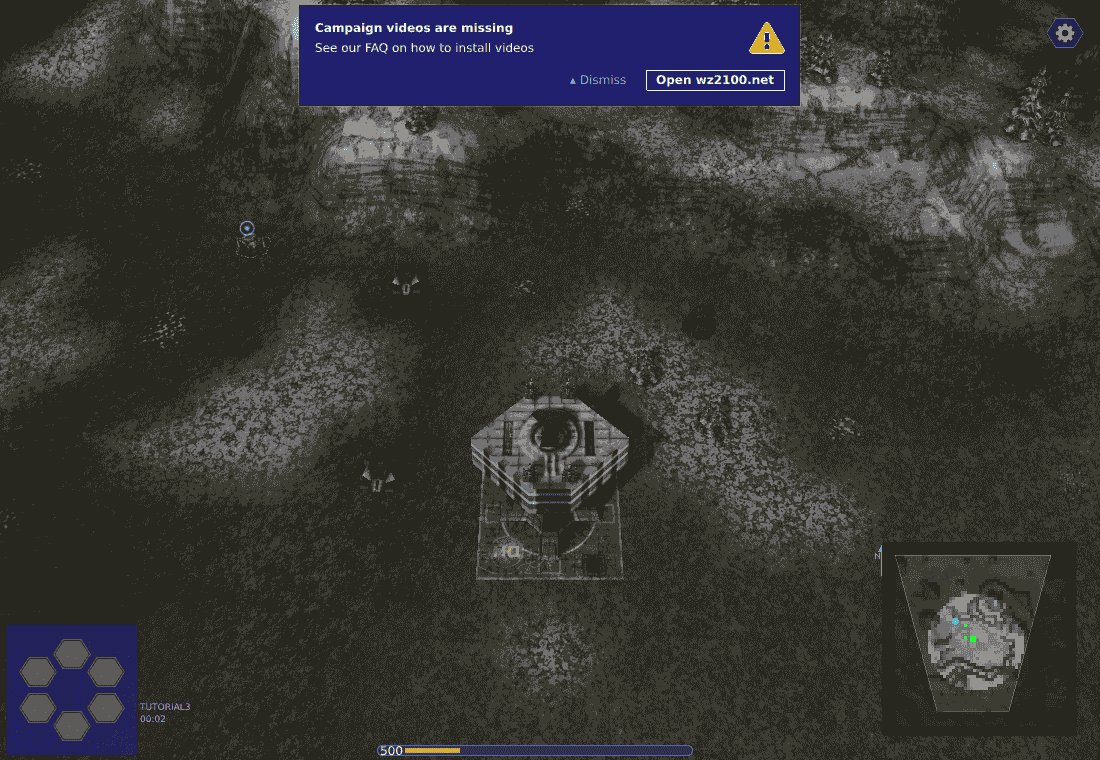
This browser edition runs the official 4.7.0 WebAssembly engine with its open-source game data. No desktop installation is needed, but the first launch downloads about 75 MiB. Use a desktop browser with WebGL 2 and a keyboard and mouse. Campaign and tutorial data are included; campaign movies, optional music and online multiplayer are not provided by this site. The current game interface defaults to English because this web package omits CJK fonts. Use the in-game save command to store progress in this browser; clearing site storage removes it.
Gameplay Highlights
Game objective
Build a base and command vehicles in the official Warzone 2100 web engine, hosted on this site.
How to Play
- 1
Getting started
Click Play Here and wait for loading to finish. Choose Tutorial, then Tutorial or Fast Play. Follow the objectives, select a unit and issue movement orders. Save through the in-game menu before exiting.
- 2
Controls
Left click selects units and interface actions. Right click issues orders. Arrow keys move the view. Esc opens the game menu.
Frequently Asked Questions
Warzone 2100 uses game files hosted on this site, running with WebAssembly. Follow this edition’s in-game instructions for its controls.
A desktop browser check covers basic interaction; the evidence record defines its exact scope. This does not establish a complete playthrough, mobile touch support or long-term save persistence.
This edition uses storage in the current browser. Clearing site data removes local progress; saves do not automatically sync between devices.